


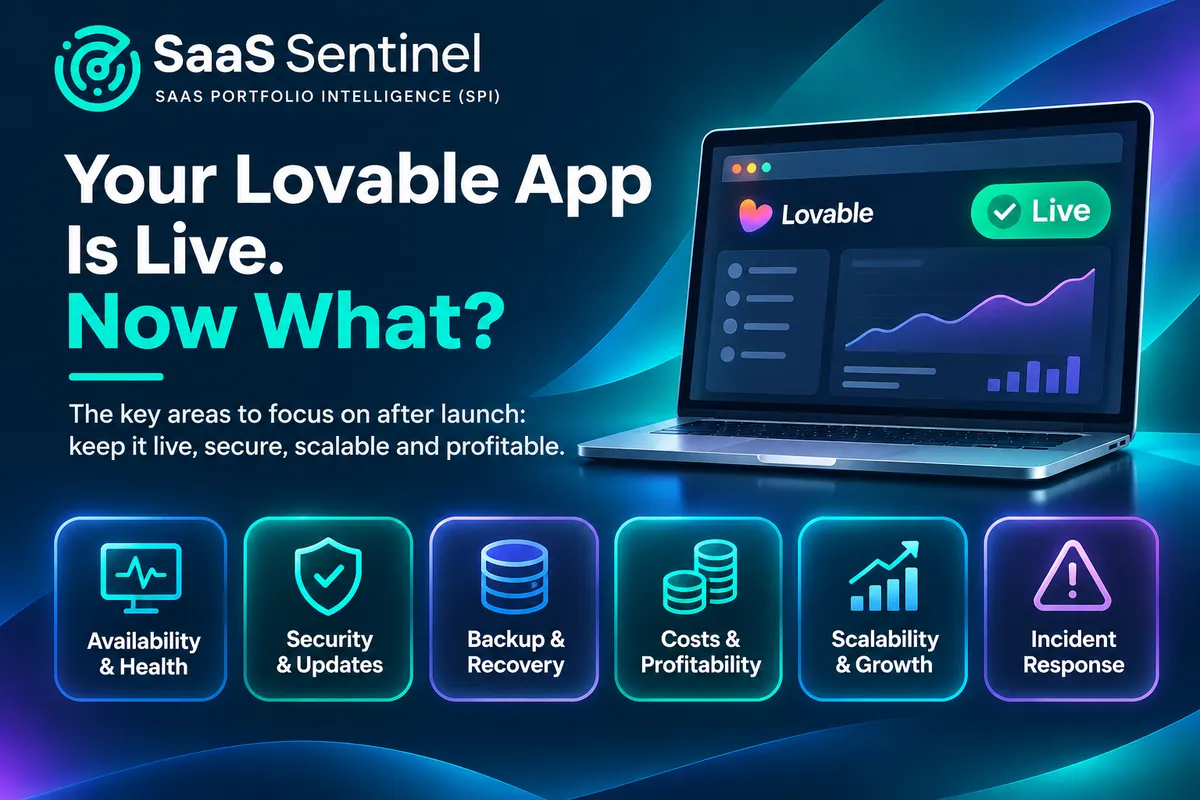
Your Lovable App Is Live. Now What?
You've built your application, connected your domain and pressed Publish. Congratulations. But launching your SaaS product is only the beginning.
One of the biggest advantages of Lovable is how quickly you can turn an idea into a working application.
What previously required weeks or months of development can now be achieved in days, sometimes even hours.
But there's an important difference between building an application and operating a SaaS business.
Once your application is live and customers start using it, you become responsible for much more than developing new features.
You need to ensure your application remains available, secure, scalable and, ultimately, profitable.
So what should you be thinking about after pressing Publish?
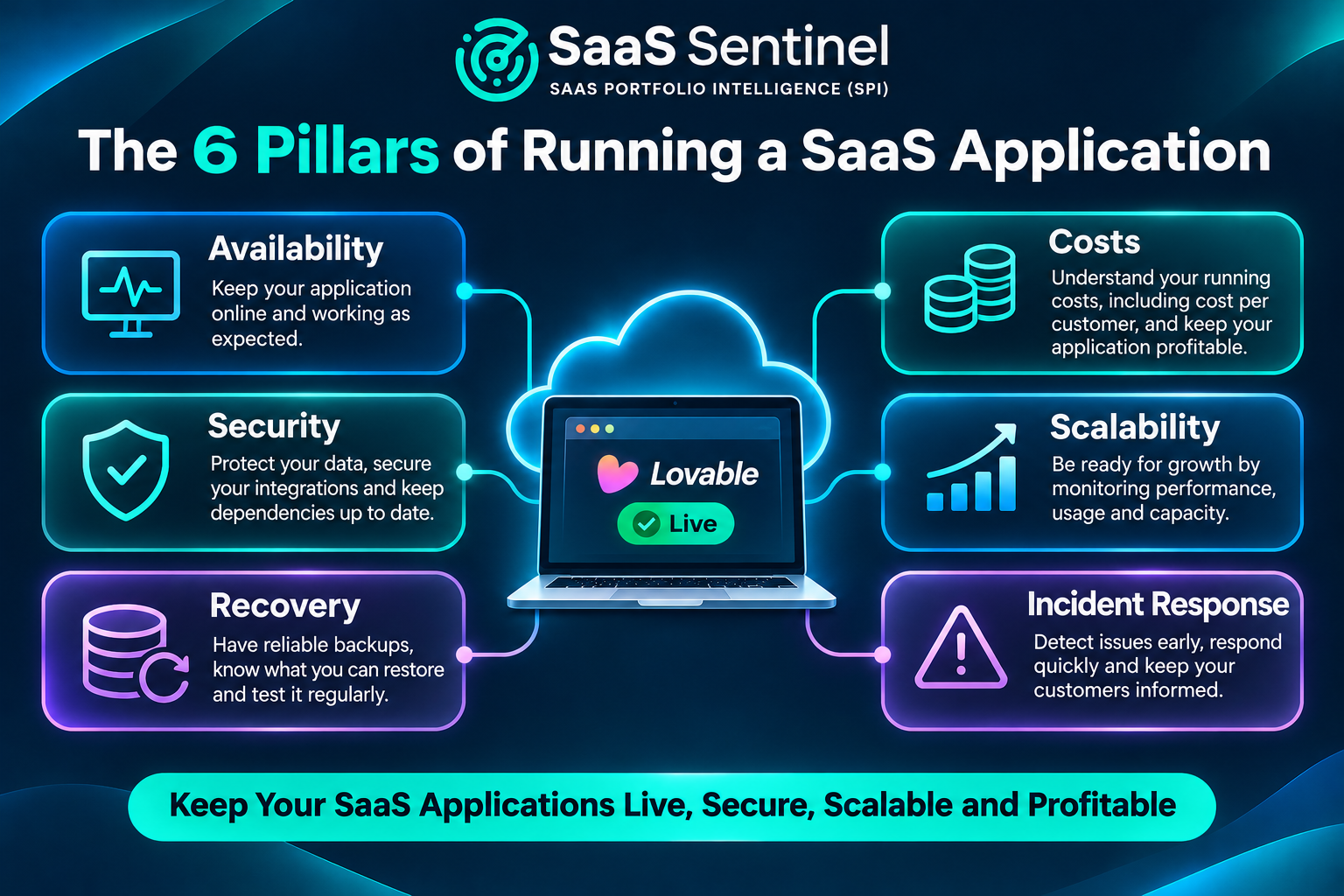
1. Is Your Application Actually Working?
Just because your website loads doesn't necessarily mean your application is working correctly.
Your homepage might be available while authentication, database queries or important integrations are failing.
At a minimum, you should understand:
Whether your application is accessible.
Whether critical services and integrations are functioning.
Whether errors are increasing.
Whether performance is deteriorating as usage grows.
Monitoring becomes particularly important when customers depend on your application to run their businesses.
An application that's online isn't necessarily an application that's healthy.
2. Have You Checked Your Security?
Lovable makes it easy to integrate databases, authentication, payment systems and external APIs.
But every integration introduces configuration and security responsibilities.
Are your API keys properly protected? Have you configured Supabase Row Level Security correctly? Are your dependencies up to date?
Security isn't something you check once before launch and then forget.
New vulnerabilities are discovered, dependencies change and configuration mistakes can be introduced with every deployment.
A useful starting point is the free SaaS Sentinel Security Checker, which can identify potential issues in publicly accessible parts of your application.
Remember that automated public checks are only one part of a proper security review.
3. Do You Have a Backup and Recovery Plan?
If your application uses a database, you need to consider what happens when something goes wrong.
What if an update accidentally deletes customer records? What if a configuration change breaks your application? How quickly could you recover?
Don't assume that because your application runs on a managed cloud platform, all your backup and recovery requirements are automatically covered.
Understand what your hosting and database providers back up, how long backups are retained and how you would restore your application.
A backup is only useful if you can successfully recover from it.
4. Do You Know What Your Application Costs to Run?
When you're developing an application, infrastructure costs may seem relatively insignificant.
But once customers arrive, consumption starts changing.
Database usage increases, storage grows, API calls multiply and AI features can generate unexpected costs.
The important question isn't simply how much your application costs each month.
It's how much it costs to deliver your service to each paying customer.
Understanding your cost per licence helps you make better decisions about pricing, subscription tiers and when to upgrade your infrastructure.
We've explored this in more detail in our article on calculating SaaS cost per licence.
5. Are You Ready for More Customers?
Your application may work perfectly with five users, but what happens with fifty, five hundred or five thousand?
Growth can expose problems that weren't obvious during development.
Database connections, inefficient queries, API rate limits and infrastructure capacity can all become constraints.
The key is to recognise emerging problems before they affect customers.
You don't necessarily need expensive infrastructure from day one, but you do need enough visibility to know when something needs attention.
6. What Happens When Something Goes Wrong?
Eventually, something will fail.
An external API will become unavailable. A deployment will introduce an error. A customer will encounter a problem you didn't anticipate.
The important question is how quickly you discover the issue.
Will you receive an alert, or will your first notification be an unhappy customer?
You should also have a straightforward process for investigating problems, communicating with affected customers and restoring service.
Even a small SaaS business benefits from having a basic incident response plan.
How Will You Manage Your Application Over Time?
Perhaps the biggest challenge isn't any individual issue.
It's remembering to check everything regularly.
When you have one application, it's relatively easy to visit your hosting dashboard, check the database and review your costs.
But as your application grows — or you start building additional products — information becomes spread across multiple platforms and dashboards.
Security, performance, costs and capacity all need attention.
And it's surprisingly easy for important issues to go unnoticed.
From Building SaaS to Managing SaaS
This is why we developed SaaS Sentinel.
SaaS Sentinel provides SaaS Portfolio Intelligence (SPI), bringing together operational monitoring, security visibility, infrastructure consumption and cost analysis.
Instead of repeatedly checking different dashboards, you can monitor your SaaS applications from one place and receive alerts when something needs attention.
Whether you're running your first Lovable application or managing a growing portfolio of products, the objective is the same:
Keep your applications live, secure, scalable and profitable.
Your SaaS Journey Starts After Launch
Publishing your Lovable application is an achievement worth celebrating.
But successful SaaS businesses aren't built simply by launching applications. They're built by operating them reliably, improving them continuously and understanding their commercial performance.
You don't need to implement everything on day one.
Start with the basics: monitor availability, review security, understand your costs and make sure you can recover when something goes wrong.
Then build on those foundations as your customer base grows.
You've built your SaaS application. Now make sure you're ready to run it.
Explore SaaS Sentinel and discover how SaaS Portfolio Intelligence can help you manage your applications.
Or start with our free SaaS developer tools — no registration required.